The EU Accessibility Deadline Already Passed. Here's the Self-Audit I'd Run This Week.
The European Accessibility Act's deadline passed in 2025. A tiered self-audit — keyboard nav, alt text, transactional flows — for teams that haven't checked since.

The European Accessibility Act's compliance deadline was June 28, 2025. For most product teams I talk to, accessibility still sits exactly where it always sat — a line in a project brief that quietly drops off the sprint plan when a launch date gets tight. That gap used to be a UX risk. Now it's a legal one, too. Here's a practical, tiered way to find out where you actually stand.
If your product serves users in the EU, the European Accessibility Act isn't a future thing to plan for anymore — it's already in force. I'm not aware of the enforcement landscape being settled or predictable yet; different member states are still working out how aggressively and how consistently they'll act on it. But "unsettled enforcement" is a very different risk than "no risk," and it's worth being honest with yourself about which one your roadmap is currently betting on.
Why "nobody's been fined yet" is the wrong thing to track
Most of the accessibility conversations I've sat in over the years follow the same arc. It gets raised early in a project, gets nodded through as important, and then quietly drops off the roadmap the moment a launch date gets tight. It survives as a line in a brief, not as a line in the sprint plan. That's a rational response as long as the cost of skipping it stays theoretical.
A law with an active compliance deadline changes what "theoretical" means. Once a deadline has passed, the question isn't whether accessibility work eventually happens — every company I've watched go through an enforcement scare fixes the gaps eventually, one way or another. The only real choice is whether it happens on a sprint you scheduled, calmly, and built into your design system, or on a timeline someone else sets for you, under pressure, with a legal team suddenly in the room.
That second version is worth avoiding on its own terms, independent of any legal risk. Accessibility work done under external pressure is rushed and shallow by necessity — teams fix exactly what got flagged and nothing else, because there's no time to do more. Accessibility work done on your own schedule is cheaper, more thorough, and becomes a default in your design system instead of a one-time patch.
The three failure patterns that come up again and again
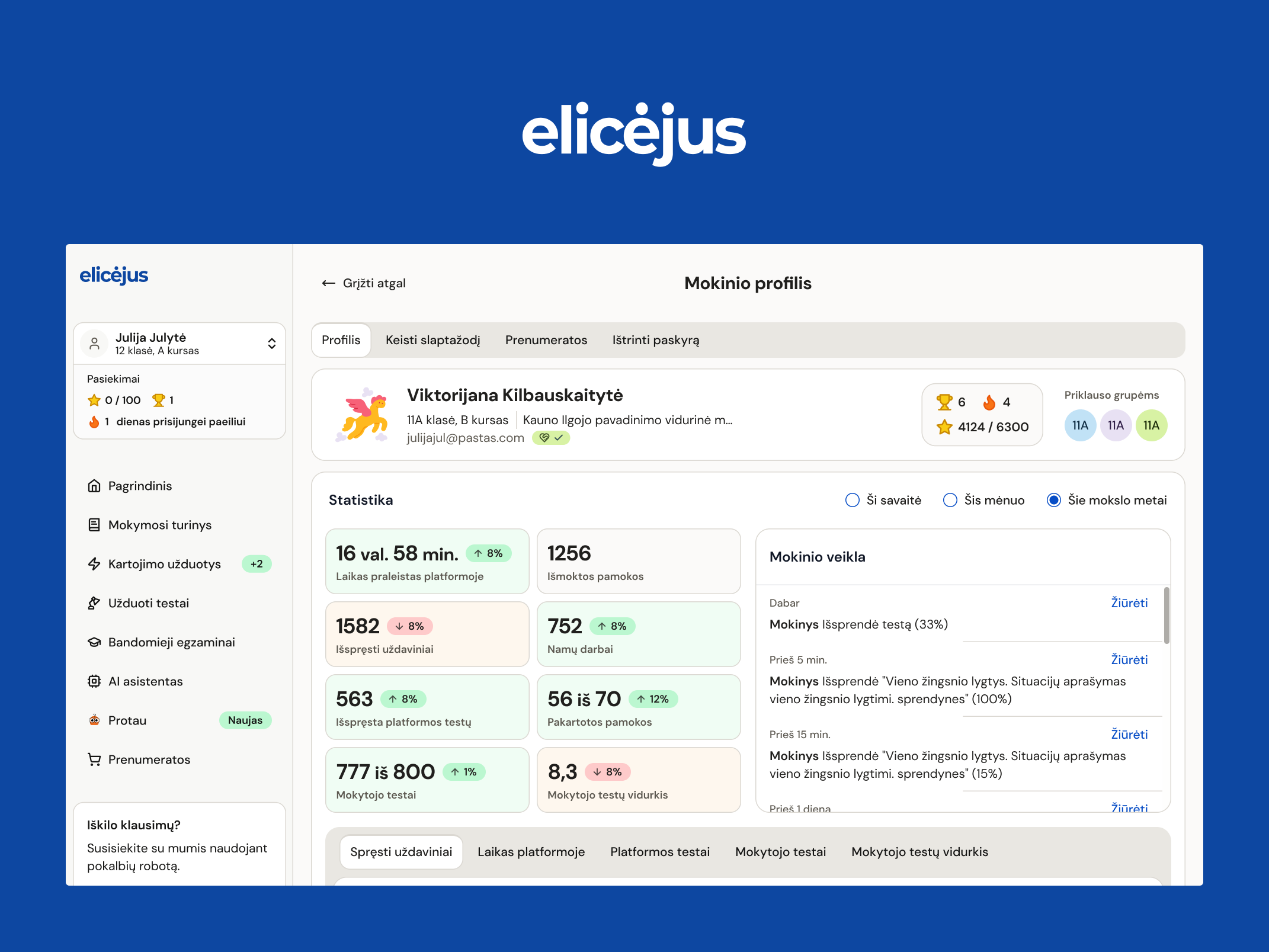
I'm not going to pretend I've run a full-scale WCAG audit under regulatory pressure — most of my accessibility work happens earlier and quieter than that, built into design systems before enforcement is ever a live conversation. On Elicejus, an AI-powered math platform used by tens of thousands of students and hundreds of teachers across Lithuania, part of my ongoing work has been going through the teacher-facing environment and fixing a scattered set of contrast and type-scale problems that had built up over time — small inconsistencies nobody had gone back to reconcile, the same accumulation pattern I write about often. That's real, specific, and it's the kind of accessibility work I can point to directly.
What follows isn't a claim about my own audit findings — it's a summary of the failure categories that consistently show up across accessibility enforcement actions and third-party audits industry-wide, because they require no specialist tooling to produce and are astonishingly easy to miss without deliberately checking:
Keyboard navigation that doesn't work. Users who navigate by keyboard rather than mouse — a requirement for many people with motor impairments, and a fallback for a lot of assistive technology — get stuck or lose focus entirely on key screens. This is usually a symptom of custom-built interactive components (dropdowns, modals, filters) that were never tested without a mouse.
Missing alternative text. Images, icons, and product photos without text descriptions mean anyone using a screen reader gets silence where they need information. On a retail or content site, this often means someone genuinely can't tell what they're looking at.
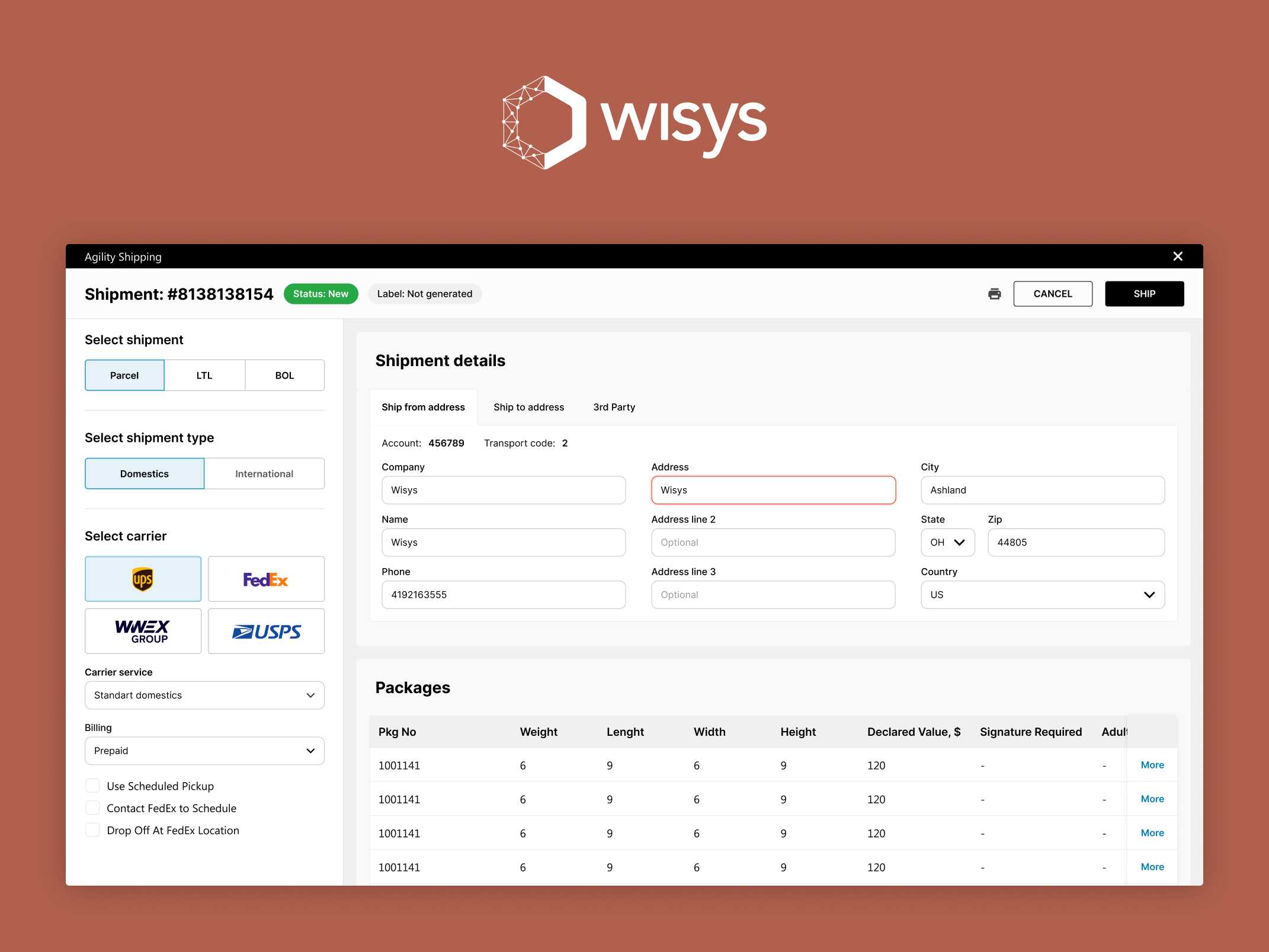
Transactional flows that break with assistive technology. This is the most damaging failure of the three, because it doesn't just make an experience worse — it makes it impossible. A checkout, signup, or application flow that fails silently for a screen reader user isn't an inconvenience. It's a locked door at the exact moment someone was trying to complete the one thing that mattered.
None of these require exotic tooling to catch. A team can check keyboard navigation by unplugging the mouse. A team can check alt text with a simple audit of the image library. A team can check a critical flow by running it start to finish with a screen reader. None of it requires an outside consultant to identify — it requires someone deciding to spend a day on it before a regulator, or a frustrated user, does.
A practical self-audit, tiered by what's actually at stake
Not every accessibility gap deserves the same urgency. I think about it in three tiers, based on what happens to the user if the gap isn't fixed:
- Core transactional flows — check first. Checkout, account creation, payment, applications — anything where a broken experience means a lost transaction or a locked-out user. These are the flows most likely to draw both regulatory and user attention, because the harm is concrete and measurable. Check these by actually completing the flow with a keyboard only and with a screen reader, not by reading a component library and assuming it's fine.
- Primary navigation and content — check next. Search, filtering, listings — the pages a user needs to get to the transactional flows in the first place. A broken filter is annoying. A broken filter that also traps keyboard focus is a wall.
- Secondary and marketing content — fix on a normal cycle. Blog posts, promotional pages, secondary content. Still worth doing right, still covered by the law in most cases, but not where I'd spend limited time first if a team is triaging under a deadline.
This isn't a substitute for a full accessibility audit against WCAG standards, which is worth doing properly if you haven't. But if a team needs to know where to look this week, before scheduling that fuller audit, this is the order I'd check things in.
The actual cost calculus
The case I'd make to any founder or product lead weighing whether to prioritize this now versus later: fixing keyboard navigation, alt text, and transactional-flow accessibility on your own schedule is a matter of days of focused design and engineering time, done once, and largely maintained by good defaults afterward. Fixing the same three things under external pressure — with a legal team now involved and a clock already running — costs an order of magnitude more, not because the work itself is harder, but because everything about doing it under duress is more expensive: the rushed engineering time, the legal costs, and the reputational cost of the story becoming public.
If your product serves EU users and you haven't run this three-item check — keyboard navigation, alt text, transactional flows — since the compliance deadline passed, that's the fastest place to start.
Gytis Markevičius
Product Designer — gytismark.com
More writing

Book a 20-minute intro call
Slots show in your own time zone.
Let’s see if it’s a fit.
Twenty minutes is usually enough: the role, the product, and how your team works.


Ask AI about my work
AI answer, based on my case studies and CV
Answers show up here as they're written. I keep them short and point you to the case study they come from.
AI can get things wrong. If something matters, check the case study or email me at hi@gytismark.com.