Why design systems fall apart — and how to stop it from happening
The two things most teams get wrong, and what changes when AI enters the picture

AI is supposed to make design system management easier. In practice, I'm still seeing the same mistakes — in small teams and large ones alike.
Mistake one: picking the wrong starting point
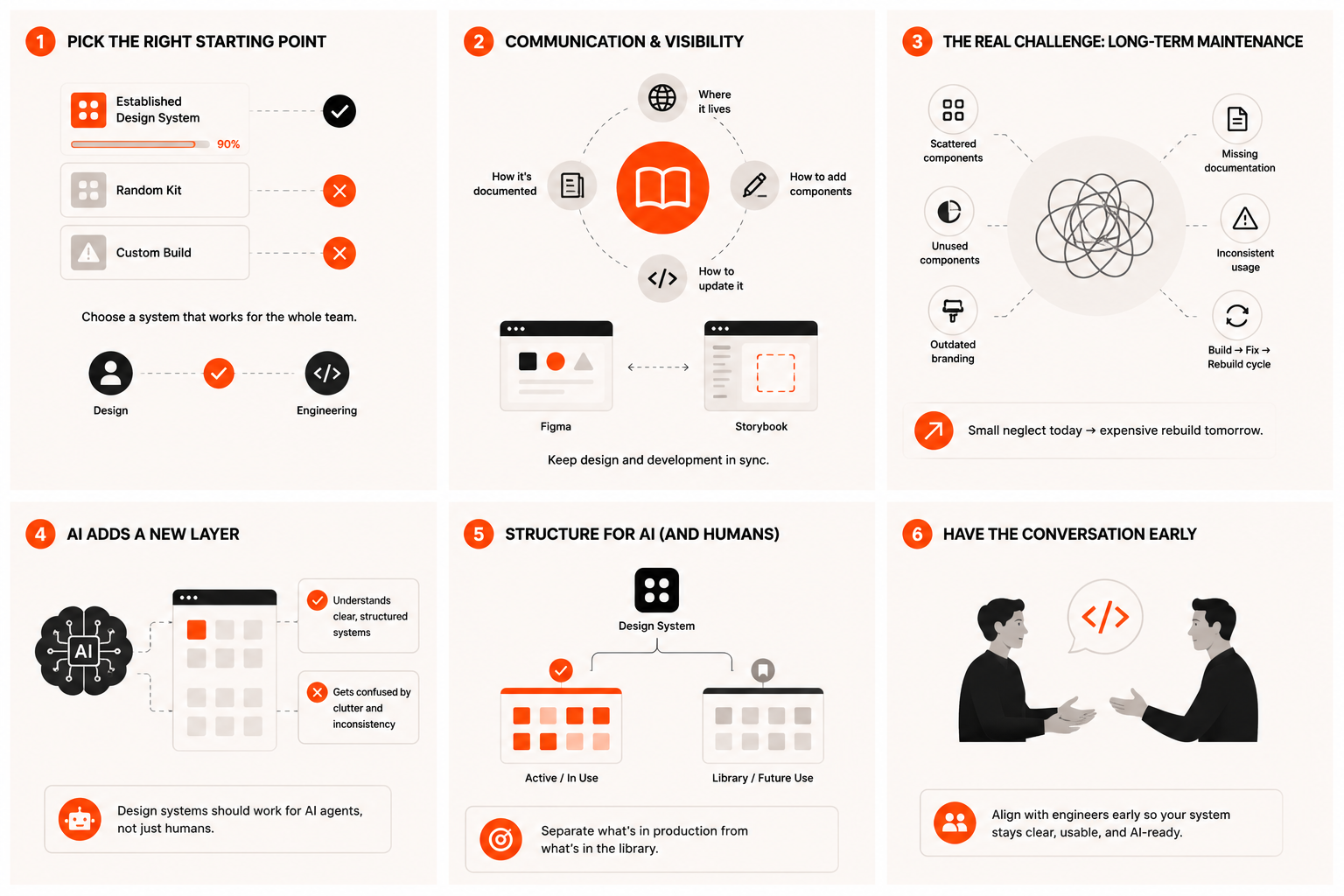
There are well-established, time-tested design systems that cover nearly 90% of what most applications need. Material Design, Apple's Human Interface Guidelines, and several others have been refined over years, have large component libraries, and come with comprehensive documentation.
I still see teams pick random kits they came across for the first time, run into problems a few months in, and end up needing custom development on things a proper library would have handled out of the box. The fix here isn't complicated — pick a system that works for the whole team, not just the designers. That means having the conversation with engineering too, not choosing it in isolation. Developers need a code-level equivalent that matches the design system, or the gap between design and implementation will compound over time.
Mistake two: treating setup as the finish line
Adopting a UI kit is the easy bit. Keeping it updated over months, under deadline pressure, is where teams slip.
Components end up scattered across different Figma files. Half the library goes unused. Branding updates don't make it into the system. Documentation for new components never gets written. None of it looks urgent in the moment — but it compounds. Eventually, the only fix left is a full rebuild, which costs far more in time and disruption than consistent maintenance would have.
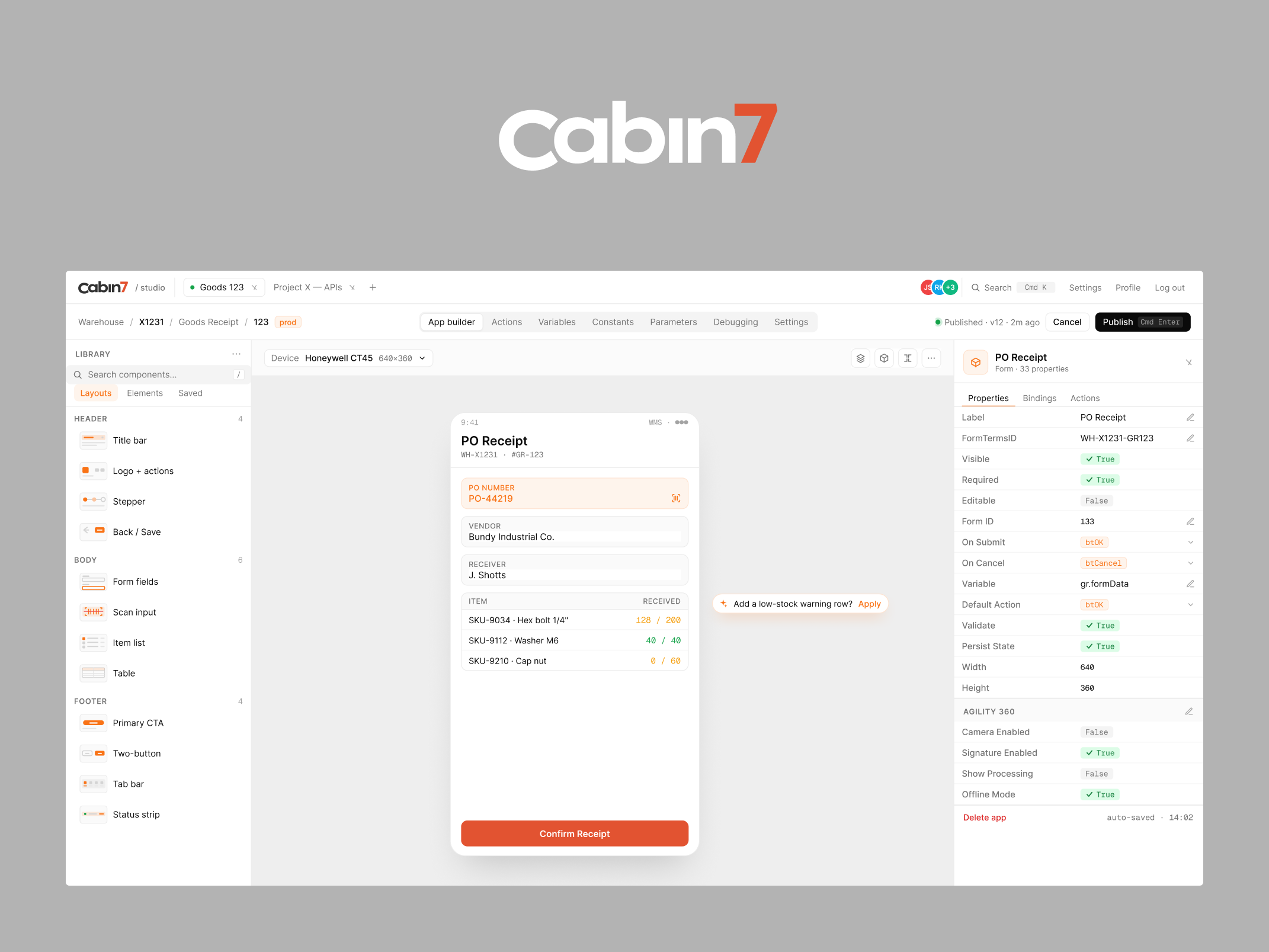
Once you've picked a system, all stakeholders need to know where it lives, how to use it, how to update it, and how to add new components properly. When developers build out their side of the component library, they should make it available for everyone to verify. Using a tool like Storybook lets designers check it against Figma, component by component, rather than assuming it matches. Spoiler: it almost never does without that check.
The AI layer changes things
Now AI adds a new dimension to this. When developers start using AI agents to read through a design system and rebuild it directly in code, the system needs to work for AI too, not just for designers reading it manually.
That sometimes means restructuring — separating components you're actively using from ones you're holding for future use, so the AI doesn't get confused about what's actually in production. It's a conversation worth having with your engineers early, not after the AI has already misread half your library.
AI can also be genuinely useful when you set up your design system within an AI-powered design platform like Claude Design. It has its own quirks and limitations — at least a few frustrations per day, in my experience — but it also accelerates many of the more repetitive parts of system management. And for teams moving toward AI-powered design workflows, having the system set up in that environment is a prerequisite rather than an optional upgrade.
What consistent maintenance actually looks like
The teams I work with that have the healthiest design systems share a few habits. There's a clear owner — usually a senior designer — who is specifically responsible for system health. New components are documented when they're created, not retroactively. Changes are communicated to developers as they happen, not discovered during implementation. And the system is treated as a product in its own right, not a side project that gets attention when there's time.
None of this is technically complex. It's a discipline problem, not a knowledge problem. And the payoff — handoffs that actually work, consistent UI across the product, onboarding new team members in hours instead of days — is significant enough that it's worth making it a priority from day one.
More writing

Book a 20-minute intro call
Slots show in your own time zone.
Let’s see if it’s a fit.
Twenty minutes is usually enough: the role, the product, and how your team works.


Ask AI about my work
AI answer, based on my case studies and CV
Answers show up here as they're written. I keep them short and point you to the case study they come from.
AI can get things wrong. If something matters, check the case study or email me at hi@gytismark.com.